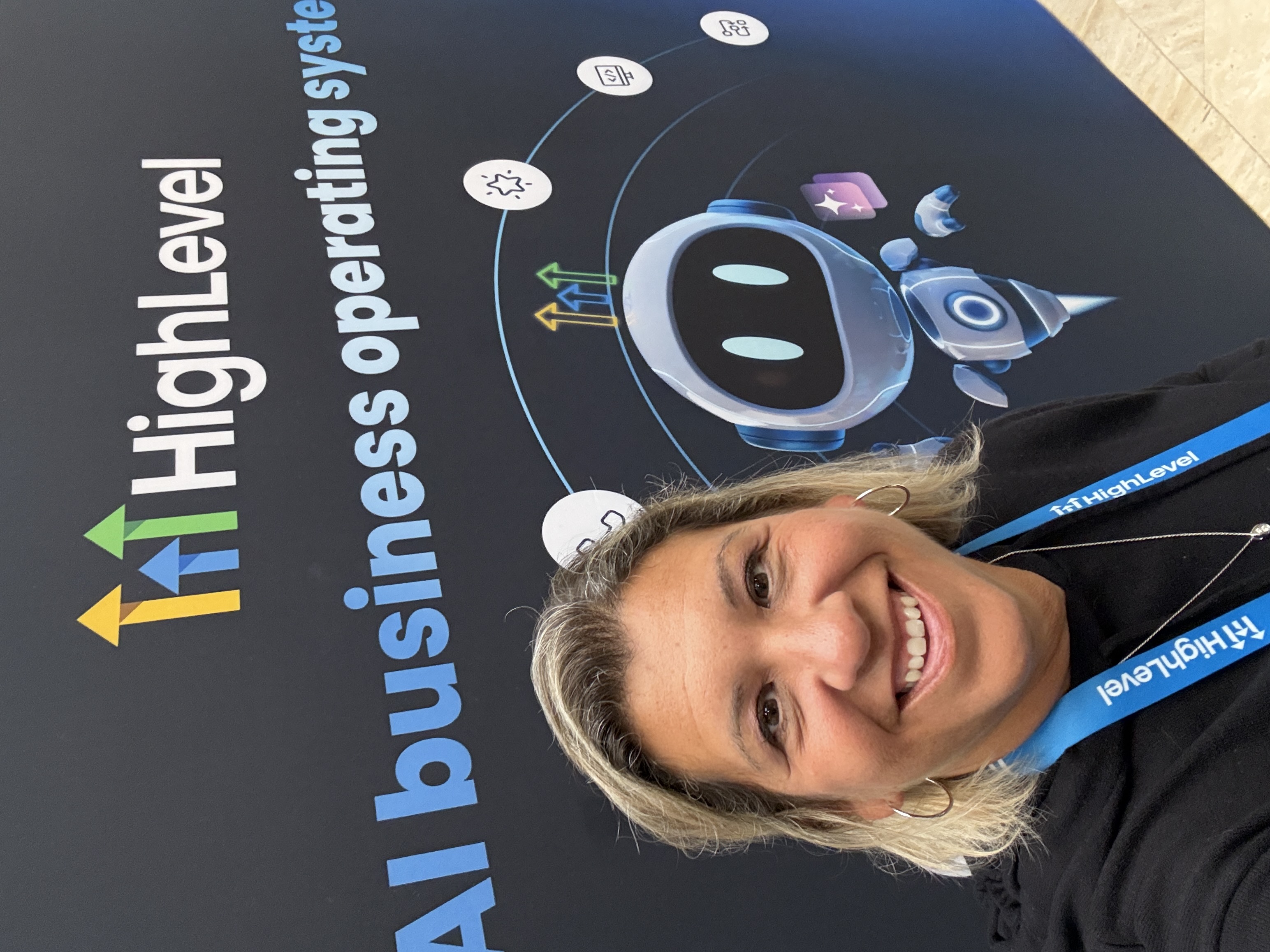
HighLevel LevelUp 2026
The big ideas I brought home
Twelve sessions. One page. What each speaker really said, the one idea worth keeping, and a plain English look at what's new in HighLevel.
Free. Come learn alongside me. 💛
The sessions
Tap any session to open it. Each one has what it was about, what stood out, and one small thing to try.
01Gary Vaynerchuk, KeynoteYour brand is the moatA wake up call said with love, and a lot of laughs.
What it was about
Gary took the stage with one big idea. When technology rolls over an industry, the only thing that protects you is your brand. He compared AI to electricity, not the internet, and said it's coming from everyday entrepreneurs, not just big companies.
What stood out
- His taxi story. Owners felt safe because “we have City Hall,” and then Uber showed up with more money than City Hall could beat.
- Success makes you comfortable, and comfortable makes you vulnerable. Many people down on AI are really avoiding the work of learning it.
- Using AI like a Google search is not being “in AI.” Put in real hours.
- No mystery algorithm. Your feed reflects what you've shown it you care about, so stop complaining and do something.
- He ended on practical optimism. Pay close attention to who is trying to scare you, and who is trying to love you.
The world will always change, but this is coming fast.
Write down what people think of when they hear your name. Then ask what you actually live and teach.
02Neil PatelAI is choosing businesses for buyersSearch everywhere, not just Google.
What it was about
Neil's message was that people now ask AI who to hire and what to buy. Visibility can go up while clicks go down, and revenue can still hold steady. The job is to be the business AI trusts enough to recommend.
What stood out
- Every page is a landing page. Make each one answer the questions a buyer is really asking.
- AI breaks one question into many smaller searches, so cover the follow up questions too.
- Keep your name, address and details consistent everywhere you're listed.
- Being cited starts with being trusted. Keep real humans and real stories in your content.
Ask an AI tool who the best option is in your niche. See if you show up.
Some numbers he shared were hard to hear, so I left them out.
03Billy GeneYou already have what you needA mindset talk with a dancing story that stuck.
What it was about
Billy talked about shiny object syndrome and the good excuses we tell ourselves. His point was gentle but firm. You are not stuck. You may just be afraid to go first.
What stood out
- Rationalizing feels like planning, but it can keep you waiting forever.
- Be a little unrealistic. Big goals pull you forward.
- The dancing story. Someone has to be the first one on the floor, and everyone else follows.
Name one thing you're waiting for permission to start. Start the smallest piece today.
04Ask AIOne request can set up a whole clientA teammate that works the agency checklist with you.
What it was about
This was a live look at Ask AI inside HighLevel. From one request it set up a client account with a voice receptionist, a welcome email, a project with tasks, and a branded PDF.
What stood out
- The Agency Playbook order. Set up, build, grow, capture, earn trust, reactivate, report, scale.
- New this LevelUp. Several helpers working in parallel, approval before anything gets sent, scheduled follow ups, and outbound AI that messages leads first.
Describe a new client in plain words and see what Ask AI builds.
05Sarah CordinerStart with the destinationMoney goal first, brand second, product third.
What it was about
Sarah walked through building an education business the smart way. Know where you want to end up, build the brand people trust, then build the product.
What stood out
- Edumarketing. Teach first and let the teaching sell.
- The first seven days after someone says yes decide everything.
- A new unified Client Portal is coming to HighLevel.
Map out what a new client's first seven days look like.
06Adley KinsmanShow, don't tellHooks, the first six seconds, and being yourself.
What it was about
Adley broke down why some videos grab people and others get scrolled past.
What stood out
- The “duh test.” If your hook is obvious to no one, rewrite it.
- Protect the first six seconds.
- Authenticity always finds people who need it.
Rewrite the first line of your next video three ways. Pick the clearest.
07Ryan DeissWe're in a trust recessionPeople are tired of being sold to.
What it was about
Ryan said trust is the scarce thing right now. People are skeptical of ads and polished pitches.
What stood out
- Let people binge your content so they feel they know you before they buy.
- Sell in private. His popcorn popper picture was that the conversation heats up in DMs, email and small groups.
- Embedded influencers, real voices inside the communities your people already trust.
Look at your last five posts. Which one builds trust before it asks for anything?
08Danny ClarkeBuild loops, not one time pushesMarketing that feeds itself.
What it was about
Danny shared loop based marketing for software businesses. Many doors, one loop, so every customer makes the next one easier to win.
What stood out
- Check in with new customers around days 9, 45 and 90.
- His 4-hour day exercise. Decide what only you can do, and build around that.
Plan three check ins for your newest customer.
09Kai StoneFive kinds of contentA simple mix, and 16 creators worth studying.
What it was about
Kai gave a clear way to plan content so you never stare at a blank screen. He also focused on turning views into trials.
What stood out
- The five buckets. Outlier, Copy What Works, Bookmark, Direct Yap to Camera, and YOLO.
- Study the creators who are already winning, then put your own spin on it.
Plan one post from each bucket this week.
10CommunicationsOne inbox, and earned trustTexts, email, WhatsApp and calls, all in one place.
What it was about
This session covered the new ways to reach people and how to keep your messages out of spam.
What stood out
- RCS and WhatsApp, including Flows and call recordings.
- Voice Intelligence and a new Email Builder 2.0.
- Trust and deliverability. Clean sending is what gets you seen.
Check your A2P status, warm up one sending domain, and try WhatsApp with one client.
11ReleasesThe big product announcementsNew navigation, Workflow Maps, Meeting Room and more.
What it was about
The opening product session. It covered a new look and feel, new AI tools, and new plan options.
What stood out
- New navigation with saved layouts.
- Industries for restaurants and field services, with more coming.
- Workflow Maps, Project Management with an AI connection, Meeting Room, and Creator Studio.
- A new Founder Plan was mentioned. Check the details in your own account.
Jump to Part 2 below for each update in plain English.
12AI Studio and Creator StudioBuilding is no longer the moatWin the client, capture the lead, get paid.
What it was about
A product session on AI Studio, where you describe a website or app and it builds it already connected to your CRM, chat, payments and workflows. A surprise segment showed Creator Studio for social designs and video.
What stood out
- A solar company client story, start to finish, with a real savings calculator.
- A branded chat bot that collects leads and feeds your contacts.
- Payments with one prompt, and code you can sync to GitHub.
- Creator Studio makes layered, editable designs, not flat pictures.
Building is no longer the moat. How fast you get live and connected to a real business is.
Build one small landing page with a chat bot and see how it feels.
Pricing and a few “coming soon” items were said quickly. Check your account before promising anything.
What's new in HighLevel
The top ten from LevelUp, in plain English. Labels show how ready each one is. Tap any one to open it.
1AI StudioBuild websites and apps inside HighLevelLive per the session
You describe what you want in chat and it builds a website or app for you. You can even paste in a link to a site you like and ask it to rebuild it, better.
- Apps with databases, logins and file uploads, like letting a visitor upload a bill to get a custom result.
- Backend logic, so things like a savings calculator can pull in real data from an outside service.
- Payments, subscriptions and post purchase upsells, connected with one prompt.
- A branded chat bot that answers in your Conversations and collects name, email and phone.
- Two way sync with GitHub, so every edit is saved and you can download the whole codebase.
Everything lands in your HighLevel CRM, workflows and analytics from day one. Other AI builders give you the app and leave the business side to you. You can win a client, capture their leads and get paid in one place.
A template library, import from other builders, built in workflows and Ask AI, uploading docs and PDFs, and mobile apps for the App Store.
Pricing and sub account billing were said quickly on stage. Confirm in your account.
2AI project managementTell Ask AI about a project and it sets up the tasksPrivate beta
Project management inside HighLevel, now with Ask AI helping you run it.
Describe an onboarding project in plain words, like “set up onboarding for a new client.” Ask AI drafts the project, tasks and steps, and you approve it before anything goes live.
Client onboarding is where agencies lose hours. This turns a messy checklist into a first draft in minutes, and your team still has the final say.
3LC PaymentsHighLevel's own branded paymentsDetails pending
A payments offer from HighLevel that is built right into the platform.
Fewer tools to stitch together when you want to get paid, and payments that sit next to your CRM and invoices.
Full rollout details haven't been shared yet, including pricing and availability. I'll update this as they come out.
4MCP connectionsLet ChatGPT or Claude work with HighLevelMixed
MCP is a way for your AI assistant to plug into other tools. HighLevel is adding more of these connections.
- Project Management connection. Your assistant can create tasks, update statuses and manage comments. Private beta with a sign up.
- Voice AI connector, plus WhatsApp calling.
- Conversation AI support for MCP servers, in Labs.
You can ask the AI you already use to do real work inside HighLevel, without clicking through screens.
5AI that can use a computerBrowse sites, manage files, run scripts, hand off tasksCheck your account
HighLevel's Managed Agents can now do more than answer questions. They can browse websites, work with files and run scripts.
- Memory and procedures, so they remember how you like things done.
- Computer capabilities with approval controls, so you decide what they're allowed to do.
- Task delegation to specialized helpers that work in parallel.
Multi step jobs, like researching a site and reporting back, can be handed off while you keep control.
6AI that starts the follow upOutbound AI texts firstLabs
Until now, AI mostly replied. Outbound Conversation AI reaches out first.
After a form is filled out, after a missed call, or when someone moves in your pipeline. It can start the conversation by text.
Also in Labs. It can reach back out to old leads in your database to wake them up. It needs Outbound Conversation AI turned on.
Speed to lead and old list reactivation, without anyone remembering to follow up.
7Workflow MapsSee your automations as a pictureCheck your account
A visual map of how your workflows connect.
- Trace one contact's journey from start to finish.
- Troubleshoot errors and find the step that failed.
- See linked workflows inside the Workflow Canvas.
- Ask an AI assistant to explain what a workflow does in plain words.
Anyone who has inherited a big pile of workflows knows how hard they are to read. This makes them understandable.
8AI email campaigns and testingDescribe the goal, get the sequenceMixed
Tell the AI your goal and it builds a connected email sequence in your branding, with variations to test.
- A/B testing in workflows with up to 10 paths at once.
- A pre send spam check and domain warm up. Private beta sign up.
- Email Builder 2.0 from the Communications session.
Good emails only help if they reach the inbox. Testing and warm up work together.
9AI course creationOutlines, lessons, quizzes and recapsBeta
Course AI helps you build a course inside HighLevel.
Outlines, modules and lessons, quizzes and quiz questions, thumbnails, descriptions, and PDF recaps.
You bring the expertise. The AI gives you a strong first draft so you aren't starting from a blank page.
10Built in video meetingsMeeting Room with AI summariesCheck your account
Video conferencing built into HighLevel, called Meeting Room.
- Screen sharing and recordings.
- Transcripts with speaker names.
- AI summaries with decisions and action items.
- Breakout Rooms.
One less tool for client calls, and the notes land next to the contact.
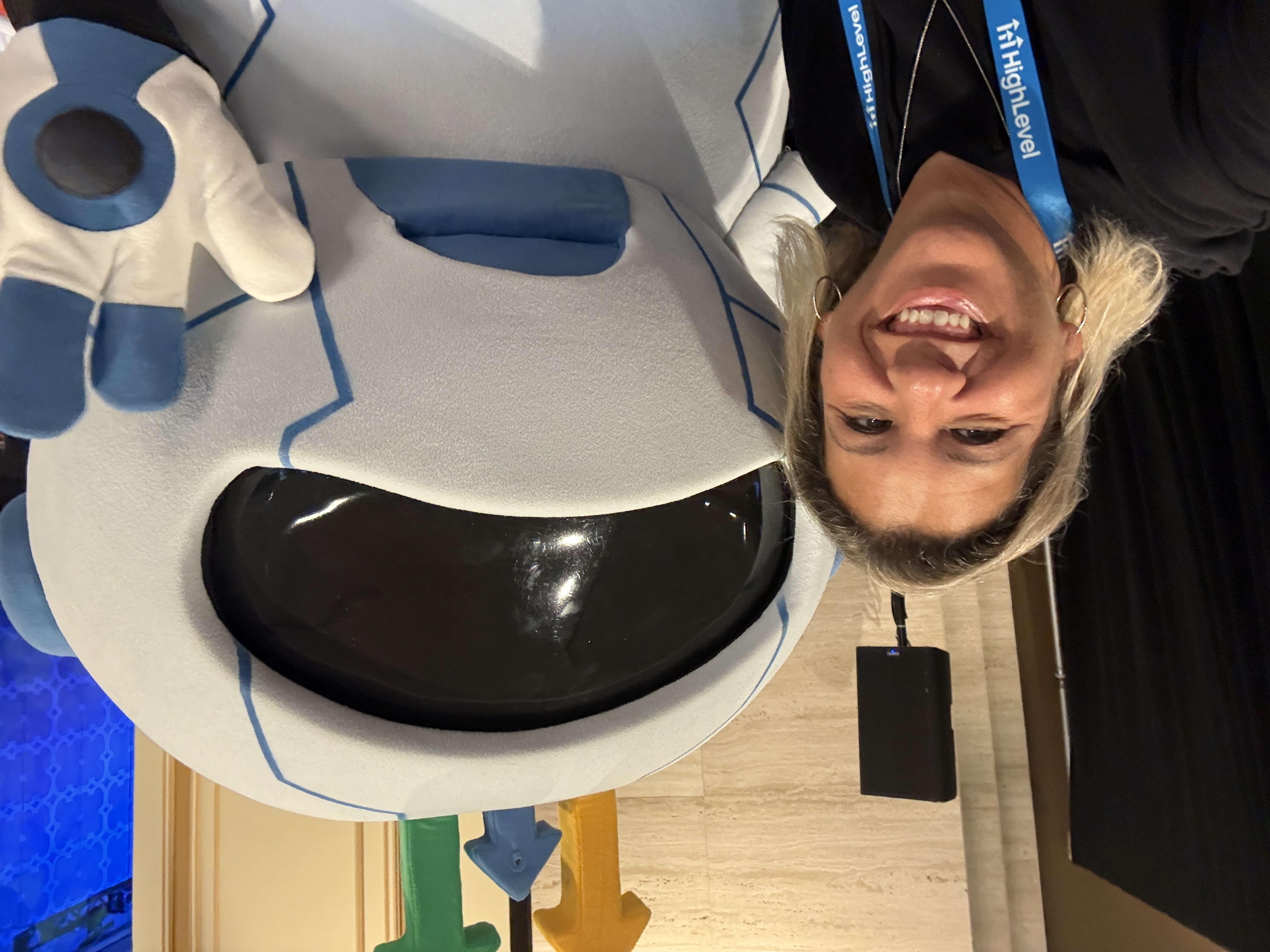
I'm so excited to share all of the incredible things that I learned at the conference!
Join me live and I'll share even more updates with you. We'll go through the big ideas and walk through everything together.
A few more worth knowing
Creator Studio
Layered, editable designs for posts, reels, banners and more, plus a video timeline with trim, music and export. Find it in Labs under the agency, then turn it on per sub account.
Client Portal and AI App Studio
A new unified portal for clients. App Studio lets AI build apps inside it. Private beta.
AI and search visibility
Marketing audit reports score how visible you are in AI search. Some pieces are in Labs, some are private beta sign ups.
WhatsApp and RCS
More ways to reach people in one inbox, including calls, recordings and media. RCS can be turned on in Labs.
Ask AI upgrades
Document generation, project workspaces, a permission matrix, phone and SMS dispatch, and several helpers working in parallel.
Calendars for field services
Built for businesses that send people to a job site. Private beta.